Blog

  • Free call :-FCL

    Free call :-FCL


    JusCall
     – Your FREE, SECURE, and RELIABLE International Calling Solution
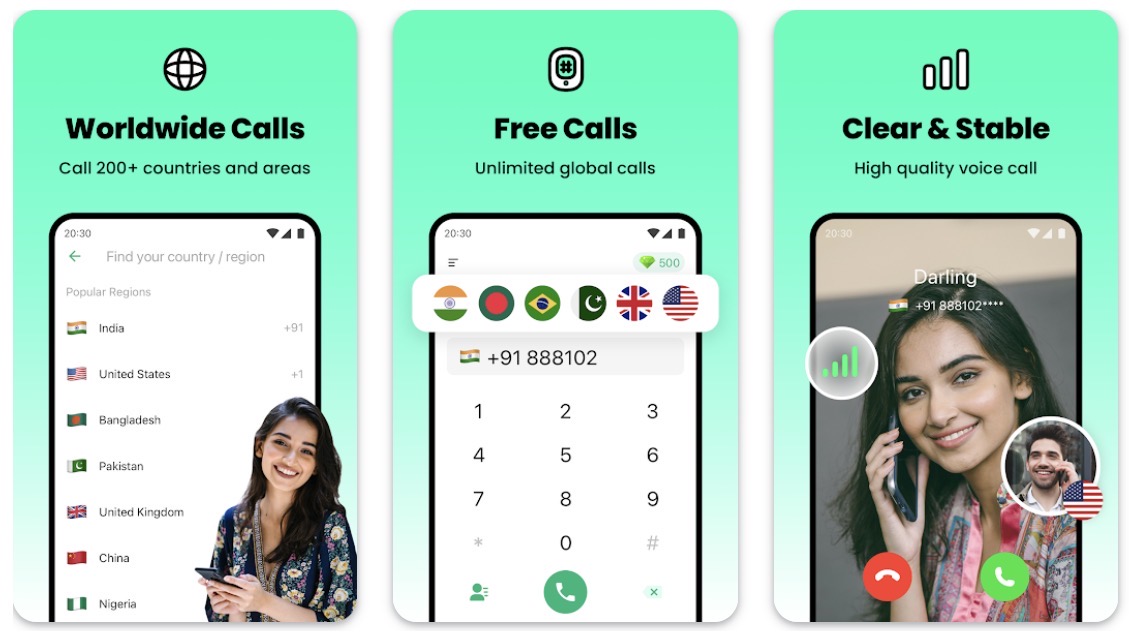
    Experience crystal-clear audio quality for completely free local and international calls. Download this advanced VoIP app and make your first FREE call today!

    WHY CHOOSE JUSCALL:
    Global Free Calling
    Make unlimited free calls to mobile/landline numbers across 230+ countries and regions. Stay connected while traveling – call any device (tablets, computers, etc.) worldwide without requiring recipients to install other APP or have internet access.

    No SIM Card Needed
    No SIM card or phone number required! Enjoy unlimited worldwide calling through WiFi or cellular data (3G/4G/5G). Perfect for international travelers and digital nomads.

    Premium Audio Quality
    Our dedicated VoIP network delivers HD voice clarity through advanced audio compression technology. Free calls are no longer of low quality! With JusCall, you can make calls even in the case of poor cellular phone reception.

    100% Cost-Free Service
    Unbeatable pay-as-you-go rates and no hidden fees. JusCall operates independently of your cellular plan minutes, offering truly free global calling. 

    Enhanced Conference Calling
    Host professional 8-way conference calls with HD audio and live video support. Ideal for remote teams, international business meetings, and virtual family gatherings.

    Smart Call Recording
    Instantly capture important conversations with one-tap recording during the calls. Securely store and manage recordings directly within the app.

    Universal Compatibility
    Call any phone number worldwide – recipients don’t need the JusCall app. Simply dial directly from your device using our internet-based calling system (WiFi/VoIP/IP calls).
    *JusCall utilizes Internet call (Wi-Fi call, IP call, or VoIP call), which requires a data connection.
    *Unlike international calling cards, JusCall does not use your cell minutes.
    *Data charges may apply. Check with your carrier for details.

    Important Notes:
    • Service requires internet connection (WiFi/cellular data)
    • Does not consume cellular plan minutes
    • Carriers may apply data charges

    Love using JusCall? Help us improve by rating (⭐⭐⭐⭐⭐) on Google Play! Share the app with friends and family to enjoy free global connectivity together.

    Thank you for choosing JusCall – Where the World Connects Freely!
    We continuously optimize JusCall to enhance your experience. 
  • Hidden camera:- HCD

    Hidden camera:- HCD

    * Our response via comments goes to update section of your gmail app*
    Detect Hidden spy camera using hidden camera detector app : 

    Magnetometer feature need to have magnetic sensor in your phone, other wise this feature will not work.

    How to use this app. How to find camera ?
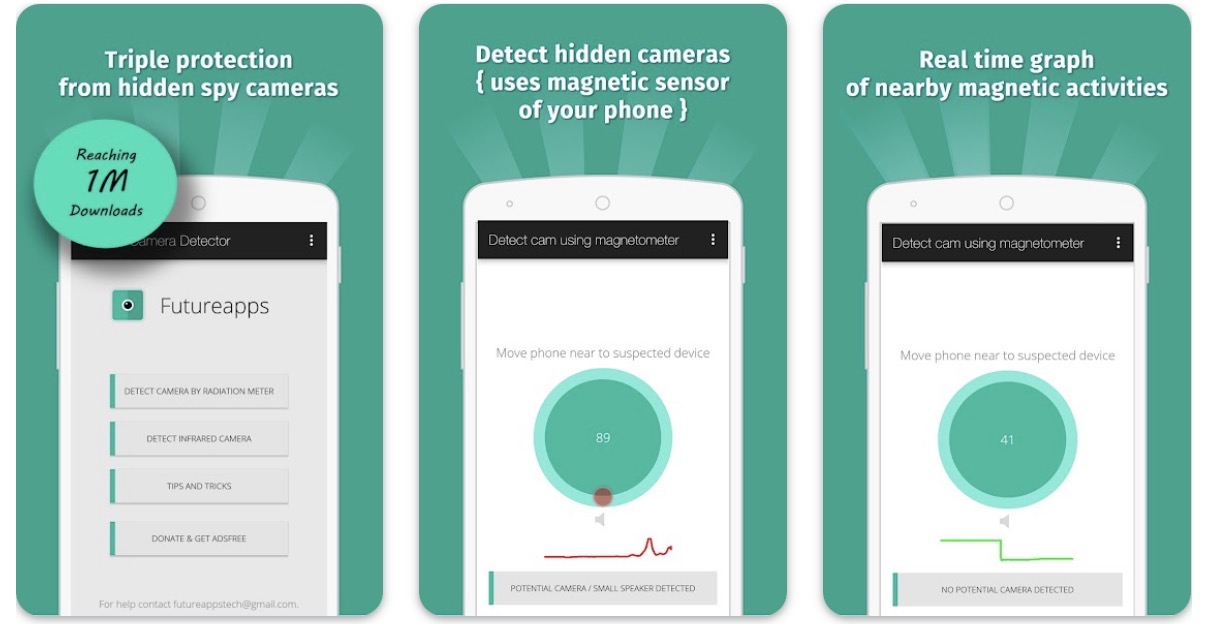
    Move app near to any device that you have doubt. For example – shower, flowerpot, lens looking part or changing room mirror.

    This app analyse the magnetic activity around the device. If magnetic activity seems similar to that of camera, this app will beep and raise alarm for you so that you can further investigate.

    You have to move app facing your sensor towards the object.To know sensor position of your phone, have any camera and move nearby top of your phone and bottom of your phone. When it beeps, you find the sensor position

    Infrared camera detector – This app has one more tool which is detect infrared lights.Just open the infrared detector and scan for white light that appear on screen but not visible by naked eye. Such white light indicate infrared light.It could be infrared camera. Your normal cam can also detect it but what we have is inbuilt feature with luminescence effect.

    What less, get some easy techniques that can save you from potential exposure to hidden camera.
    You can share the location with friends easily if you find the camera so that they can take precaution when they visit this place.

    If app crashes, for Infrared detector, please close other camera apps and try again.
    Do rate us and for any issues write to futureappstech@gmail.com

    FAQ

    My phone does not have magnetic sensor –
    This app analyse magnetic activity based on readings from magnetic sensor of your android device. If this sensor is not available, you can only use infrared detector feature. Other way is you can try on some other device having magnetic sensor.

    App beeps near metal or electronics –
    This app is not designed to detect metals. Metals are good conductor for electricity so they have electromagnetism but it is very weak and app is designed to ignore it.
    But sometimes, some type of metals depending on their length, material, temperature may exhibit same magnetic activity as that of camera. In that case app may beep. If so always look for lens on the suspect if app beeps. 

    What do I do if it beeps near metal –
    Check if there is any lens on the suspect. If not, then you are secure. if you find lens like object, then there should be hidden camera.

    What is the use of this app, if I have to detect manually
    App analyses magnetic activity and warn you if it find magnetic activity similar to camera.
    So if app beeps, check for lens.
    App can not see if suspect is having lens on it but your eyes can see it likewise you can not see its magnetic/ electromagnetic activity but the app can analyze ! App will help you many times and may also fail sometimes and there it needs your intervention.

    Infrared detector is just a fancy green tool of normal camera. Normal camera can also detect infrared
    You are partially-correct. Along with this, infrared detector have luminescence effect to glow white light. If you feel better with normal camera, go for it. We never claimed something false. But please give credit to the app if you never knew IR camera can be detected using digicam. And off course, its a quick scanning feature within the app.

    App does not open Infrared camera detector. It shows not responding
    Please kill all other camera apps that are running in background.

  • Get a fast, safe, private, and secure VPN with no logs and no data limitProton P99

    Get a fast, safe, private, and secure VPN with no logs and no data limitProton P99

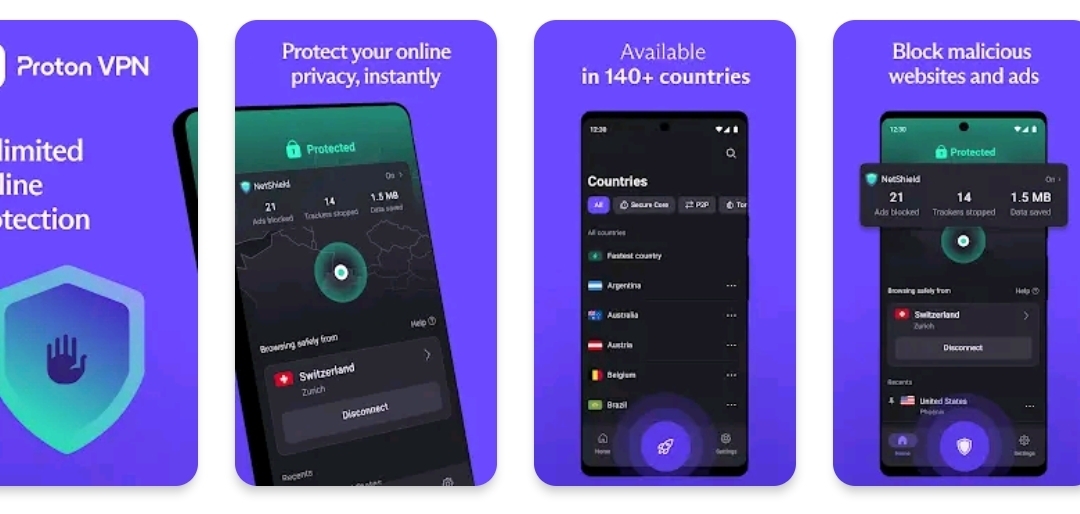
    Get a fast, safe, private, and secure VPN with no logs and no data limitProton VPN is the world’s only free VPN app that is safe to use and respects your privacy. Created by CERN scientists behind Proton Mail, our fast VPN offers unlimited, secure, encrypted, and private internet access with advanced privacy and security features.⭐ PCMag: “[Proton VPN] is the best VPN with an excellent collection of advanced features, and it has the best free subscription plan we’ve seen.”✔ Trusted by millions worldwide✔ Strict no logs policy; your privacy is our priority for secure VPN protection✔ Unlimited data access: true free VPN experience with no restrictions on bandwidth or speed limits.✔ No sign-up required to use our app🛡️ Free VPN features• Discreet app icon option disguises the Proton VPN app on your phone• Full-disk encrypted servers protect your data privacy from cyber threats with secure VPN technology• Perfect forward secrecy: encrypted traffic cannot be captured and decrypted later• DNS leak protection: we encrypt DNS queries to ensure browsing activity stays private• Always-on VPN kill switch offers protection against leaks from accidental disconnections🌟 Premium features• Access 20,000+ high-speed servers across the whole planet in over 140 countries• Fast VPN: high-speed server network with connections up to 10 Gbps for express download and upload speed• VPN Accelerator: supercharges Proton VPN speeds by up to 400% for faster browsing• Connect up to 10 devices simultaneously• Ad blocker (NetShield): DNS filtering protects from malware, blocks ads, prevents website trackers• Fast VPN servers compatible for high-bandwidth use• Secure connections compatible with file-sharing and P2P traffic• Secure Core servers bypass network-based attacks with multi-hop VPN• Split tunneling support allows selecting which apps go through the VPN tunnel💡 Why is Proton VPN the best VPN?• Free internet security for everyone: making online privacy accessible with free VPN access• “One tap connect” shields your internet connection on public Wi-Fi hotspots• Proven secure VPN protocols: OpenVPN and WireGuard for safe connections with turbo speeds.• Independently audited by third-party security experts• Trusted open-source code reviewable for security by anyone• Data protection using AES-256 and 4096 RSA encryption making Proton VPN safer than any internet proxy• Thousands of secure servers worldwide, including hundreds of free VPN servers ensuring high-bandwidth connections nearby.• Complete your privacy setup: Whether you browse with DuckDuckGo, Brave, or Opera, Proton VPN ensures your entire connection is encrypted.• Multi-platform support across Android, Linux, Windows, macOS, iOS and browser extensions for Google Chrome, Firefox, Safari, Brave, Opera, and more.

    Get it Now

  • Create & Set Trending Ringtones Caller Tune for Calls, Alarms, Notification CT1

    Create & Set Trending Ringtones Caller Tune for Calls, Alarms, Notification CT1

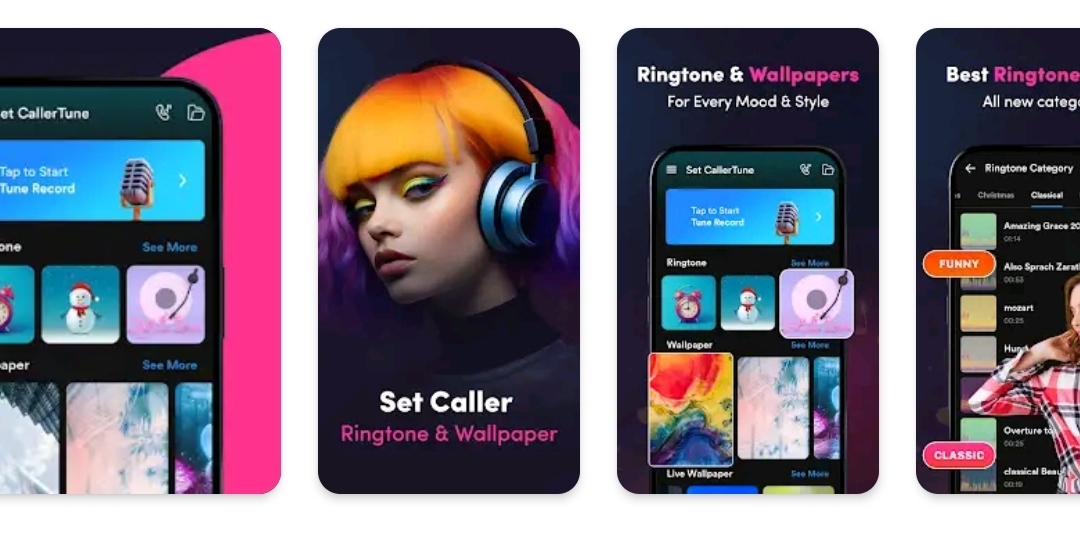
    Create & Set Trending Ringtones Caller Tune for Calls, Alarms, Notification TuneSet Caller Ringtone: Hello Tune app, where you can personalize your phone with amazing ringtones, beautiful wallpapers, and even record your own voice to create custom tones.🎵 Ringtones for Every MoodDiscover a wide collection of ringtones across various categories like:Classical, Funny, Hip-Hop, Nature, Notifications, Instrumental, and more!You can set any ringtone as:📞 Caller Ringtone⏰ Alarm Tone🔔 Notification Sound🎙️ Record Your VoiceMake your ringtone truly unique by recording your own voice or sounds, and set it as your ringtone. 💫 Best Ringtone MakerOur ringtone maker provides you great music collection. Easily save and set as a ringtone, notification, or alarm tone in just a few steps.🖼️ Beautiful WallpapersGive your phone a fresh new look every day! Explore a variety of HD wallpapers that suit every mood and style!🌟 Easy to Use Features✔️Browse ringtones & wallpapers easily✔️One-tap set as ringtone, alarm, or wallpaper✔️Save favorite tones and imagesWhether it’s setting a voice recording as a ringtone, picking the best tune for your calls, or choosing a wallpaper that matches your mood – this app makes it all easy!📲 Download Set Caller tune app now

    Get Application

    and enjoy the best ringtone and wallpaper experience on your phone!

  • Auto Clicker automate with speed. Super Fast booster to save your time.CC7

    Auto Clicker automate with speed. Super Fast booster to save your time.CC7

    Auto Clicker automate with speed. Super Fast booster to save your time.

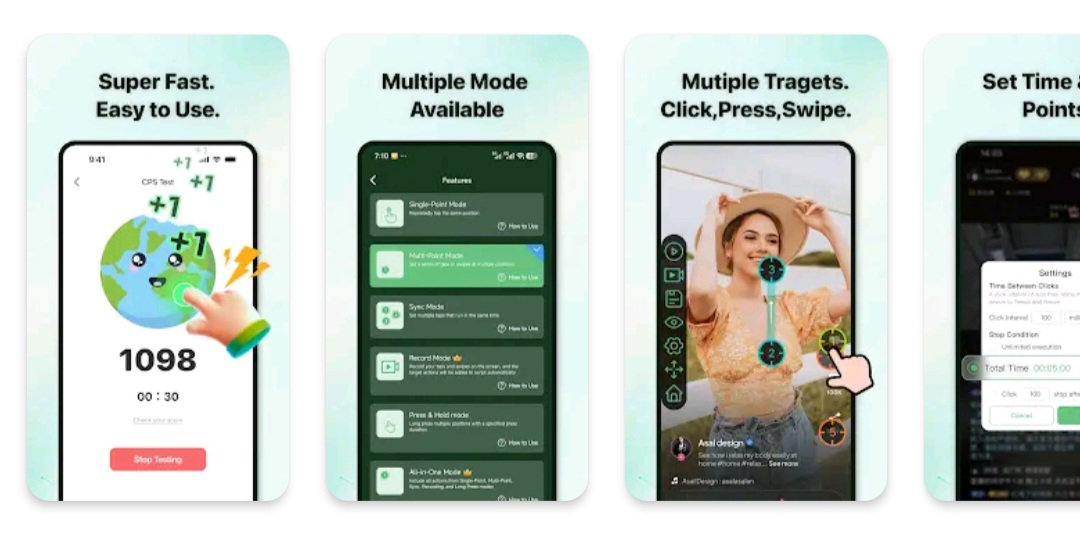
    AG Auto Clicker is a user-controlled automation tool that helps automate repetitive on-screen actions such as taps, swipes, and long presses on Android devices.

    All automation features are manually configured and explicitly initiated by the user. The app only functions after the user has voluntarily granted and enabled the required Accessibility permission, and automation runs strictly according to the user’s settings.

    Key Capabilities

    ✅ Multi-Point & Multi-Touch Automation
    Create sequences of taps or swipes that run in sync or in order, fully defined by the user.

    ✅ Synchronous Clicking
    Trigger multiple click points simultaneously for user-defined tasks that require coordinated input.

    ✅ Record & Playback
    Record on-screen gestures and replay them as configured by the user for personal automation scenarios.

    ✅ Scheduled Start & Interval Control
    Set a delayed start time and customize click intervals with precise timing control.

    ✅ Floating Control Panel
    Start or stop automation at any time using an adjustable floating control overlay.

    AG Auto Clicker does not perform actions without user configuration and does not bypass system restrictions, security mechanisms, or third-party protections.
    Accessibility Service Declaration
    AG Auto Clicker uses the Android Accessibility Service solely to enable user-approved automation features such as tapping, swiping, and long pressing.
    Accessibility permission is optional and disabled by default
    Features are available only after the user manually enables the permission
    The app does not access, collect, or store:
    Usernames or passwords
    Account credentials
    Personal or sensitive user data
    The app does not perform background actions without user awareness
    The app does not communicate with third-party services through Accessibility APIs

    No ROOT access is required. Compatible with Android 12 and above.

    Get It Now

  • Control your phone without touching the screen! CPP

    Control your phone without touching the screen! CPP

    Control your phone without touching the screen!

    🚀 What’s New in Spatial Touch™

    Spatial Touch™ has been completely redesigned for a faster, smoother, and more intuitive experience.

    1. New pinch gesture controls for easier and more natural interaction
    2. Dramatically improved performance, stability, and responsiveness
    3. Significantly reduced battery consumption and device heat
    4. Expanded support for lower-end devices
    5. Fully redesigned UI/UX for better usability
    6. WebView mode — use Spatial Touch™ without accessibility permission

    Control your phone without touching the screen!

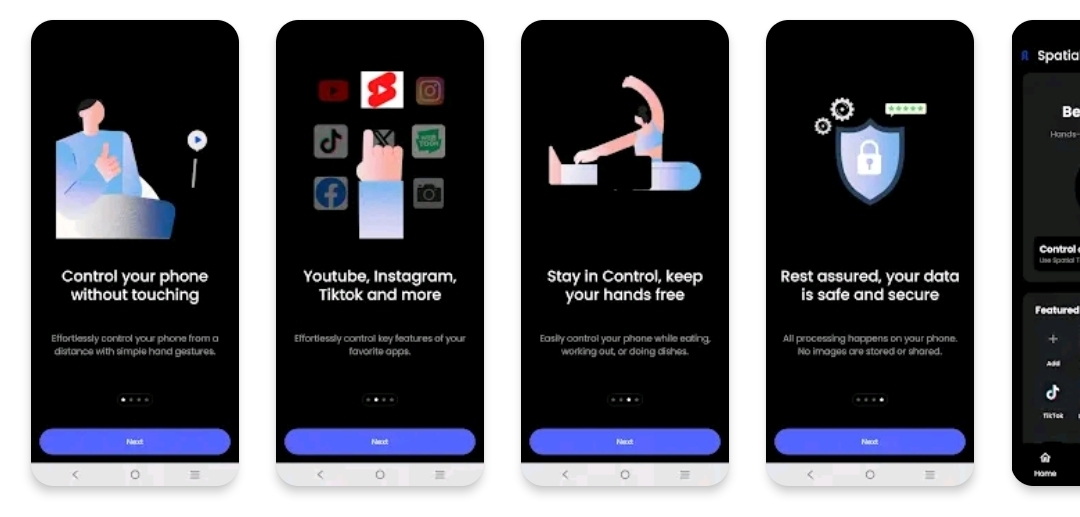
    Spatial Touch™ is an on device AI application that allows you to control social media and video streaming services from a distance without touching the screen.

    You can control YouTube, Tiktok, Instagram, Netflix, Disney Plus, and more. Whether you’re leaning back watching a video, cooking with wet hands, or eating and want to keep your screen clean—Spatial Touch™ lets you control your phone effortlessly.

    Download now and experience the future of touchless interaction.

    📱 App Features and Benefits

    1. Air Gestures: Control playback, volume, scrolling, navigation, and more—completely hands-free.
    2. Remote Control: Operate your device comfortably from a distance in various environments and postures.
    3. State of the art gesture recognition: Minimized false detections with adjustable gesture sensitivity for your preferred balance of ease and precision.
    4. Privacy-Focused On-Device AI: All processing happens on your device. No images or videos are stored or transmitted.
    5. WebView Mode (NEW): Use Spatial Touch™ on Youtube without granting accessibility permissions.
    • Apps Supported
    1. Social Media: Youtube, Instagram, Tiktok
    2. Video Streaming Services: YouTube, Netflix, Disney+, Amazon Prime, Hulu, Coupang Play
    3. Music Streaming Services: Spotify, Youtube music, Tidal
      More apps coming soon.
    • Key Gestures(Pinch/Finger Fold):
    1. Tap: Play/Pause, Skip Ads, Next Video
    2. Drag Left/Right: Fast Forward / Rewind
    3. Drag Up/Down: Volume Control
    4. Secondary Tap: Fullscreen toggle / Previous video / Comments
    5. Secondary Drag: Scroll & navigation
    6. Pointer (Pro): Cursor control and screen interaction

    ⭐ Upgrade to Pro Unlock the full power of Spatial Touch™.

    1. Pointer: Use a virtual cursor to tap and control any element on your screen
    2. More Supported Apps: Access and control additional apps beyond the free version
    3. Always-On: Keep Spatial Touch™ active without having to manually turn on
    4. Ad-Free Experience: Enjoy a clean, distraction-free experience
    • Minimum System Requirements
    1. Snapdragon 7 series or above recommended
    2. 4GB RAM or more
    3. Android 9.0 (Pie) or higher
    4. Camera: 720p+ (1080p recommended)
      Performance may vary by device.
    • Permissions
    1. Camera(Required): Gesture recognition (only active when needed)
    2. Notifications(Required): Service updates and status alert.
    3. Accessibility(Optional) : Used to control other apps and screen clicks.

    Spatial Touch uses the Accessibility Service API to provide ‘Control other apps’ feature. This optional feature allows the user control 3rd party apps with Spatial Touch gestures.

    Get Application

  • Certain Meta AI features are only meta

    Certain Meta AI features are only meta

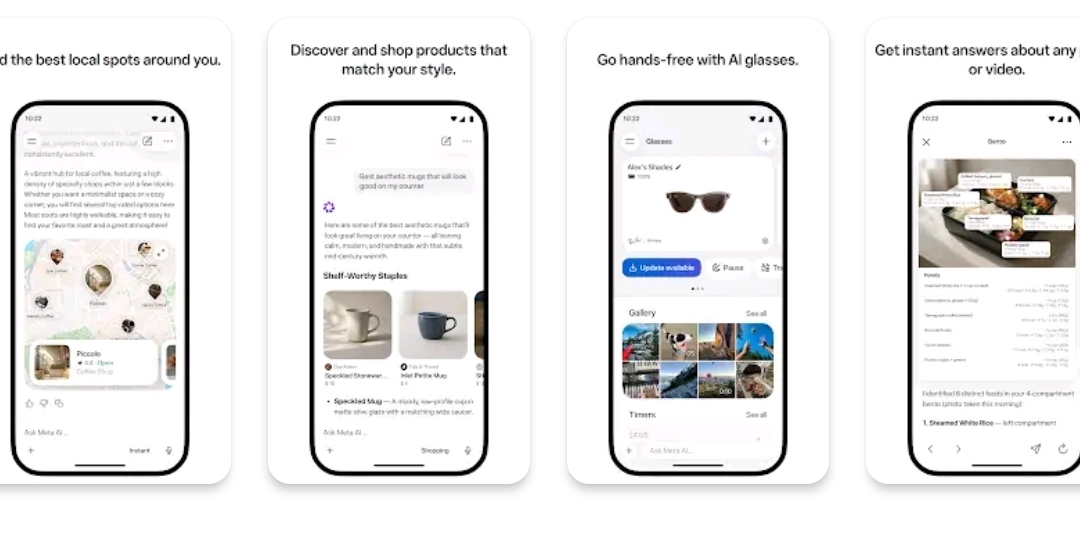
    Meta AI is your personal AI assistant – connected to the world, but rooted in yours. Get answers, recommendations and inspiration you can actually use.

    • Richer responses: Meta AI taps into what people are sharing and talking about across Instagram, Facebook and Threads.

    • Shop smarter: Describe what you’re looking for or snap a photo to find inspiration. Meta AI picks up on the creators you follow and the brands you love to surface recommendations that reflect your style.

    • Discover local spots: Ask for restaurant recommendations, things to do or where to go this weekend. Meta AI draws from real reviews, posts and what’s trending to surface suggestions – with ratings, photos and details.

    • Get answers from any photo, video, doc or file: Snap a pic for instant help. Upload docs, PDFs or spreadsheets for summaries, comparisons or analysis. Send multiple files and Meta AI works through them together.

    • Think through the hard stuff: Whether it’s a big decision or a quick question, Meta AI helps you think it through. Turn on Thinking to reason step by step through complex questions.

    • Get creative: Create and share vibes – immersive AI videos starring you, your friends or anything you can imagine.

    • Talk to Meta AI through voice or text to get personal AI assistance throughout your day. And pair your AI glasses to go hands-free. Use your AI glasses to share videos from your workouts along with fitness stats such as your distance, pace, time and more. The Meta AI app is the required companion app for managing your AI glasses from Meta, importing and sharing media and more.

    • Use Meta AI across WhatsApp, Messenger, Instagram, Facebook, the standalone app and meta.ai.

    Meta AI is built with Muse Spark, the first in a new family of models from Meta Superintelligence Labs.

    Certain Meta AI features are only available in selected countries and languages. Some features may roll out over time. Need to report an issue or share feedback? Shake your phone and tap “Submit a report”.

    Get it Now

  • Number one automation app for Android – Over 30 million Downloads.N30

    Number one automation app for Android – Over 30 million Downloads.N30

    Number one automation app for Android – Over 30 million Downloads.

    Turn your Android device into a smart assistant that works for you. MacroDroid is the easiest way to automate almost anything on your phone or tablet — no coding required, just a few taps.

    What can you automate?

    ✦ Auto-reject calls when you’re in a meeting (synced with your calendar)
    ✦ Read incoming messages aloud while driving and reply hands-free
    ✦ Switch on Bluetooth and start your music the moment you enter the car
    ✦ Turn on Wi-Fi automatically when you arrive home
    ✦ Save battery by dimming the screen and disabling radios at night
    ✦ Create custom sound and notification profiles for work, sleep, or the gym
    ✦ Get reminded about tasks with timers, stopwatches and location alerts
    ✦ Keep your storage tidy by automating file copy, move and delete tasks

    These are just a handful of ideas — the possibilities are virtually endless.

    How it works — 3 simple steps

    1. Pick a Trigger
    Choose what kicks off your macro. MacroDroid offers over 120 triggers, including location (GPS, cell towers, geofences), device status (battery, app launches, data usage), sensors (shake, light, proximity, fold angle), and connectivity (Bluetooth, Wi-Fi, notifications, webhooks). You can also launch macros manually with a home screen shortcut or the customisable MacroDroid sidebar.

    2. Choose your Actions
    Decide what happens next. Pick from over 200 actions: connect to devices, adjust volume, speak text aloud, send messages, control media, take screenshots, dim the screen, run Tasker plugins, and much more. Chain multiple actions together to build powerful workflows.

    3. Add Constraints (optional)
    Fine-tune when your macros run. With over 80 constraints, you can limit a macro to certain days, times, locations, or device states — for example, only connecting to office Wi-Fi during working hours.

    Designed for everyone

    New to automation? Get started in seconds with the built-in Template store — browse hundreds of ready-made macros shared by the community, install one with a single tap, and tweak it to fit your needs. The in-app help and active user forum mean you’re never stuck for long.

    Power user? Dive deeper with user-defined variables, dictionaries and arrays, intents, scripting, IF / THEN / ELSE logic, AND/OR conditions, loops and Tasker/Locale plugin support.

    Free vs Pro

    The free version is ad-supported and lets you create up to 5 macros. Upgrade to Pro with a small one-time payment to remove all ads and unlock unlimited macros — no subscriptions, ever.

    Wear OS Companion

    MacroDroid includes a Wear OS companion app for triggering and interacting with your macros from your wrist, including watch face complications. The phone app is required.

    Accessibility Services

    Some features (such as automating UI interactions) use Android’s accessibility services. This is entirely optional and at your discretion. MacroDroid never collects or logs any user  data through accessibility services.

    Support & Community

    Join thousands of users in our active community forum at http://www.macrodroidforum.com — the best place for usage questions, feature requests and macro-sharing inspiration. To report a bug, use the in-app “Report a bug” option in the Troubleshooting section.

    Download

    Stop doing the same things over and over. Let MacroDroid do them for you.

  • Ministry Of Human Resources and Emiratisation Mobile Application MH1

    Ministry Of Human Resources and Emiratisation Mobile Application MH1

    Ministry Of Human Resources and Emiratisation Mobile Application

    MOHRE mobile application provides a range of services to Business owners, employees in United Arab Emirates.
    Business owners can apply for Renewing contracts, Bank guarantee refund, absconding cases and so on.
    Employees can see their contracts, register a complain about their companies and many other services.

    Entire market at your fingertips. Trade 100+ assets, follow successful traders.

    ExpertOption is a mobile broker that provides an easy way to trade the global markets. Offering powerful analytical tools, a user-friendly interface, and access to 100+ popular assets from stocks to indices.

    Install the app and start using a demo account without registration. Funded with $10,000 in virtual funds, traders can use the demo to practice trading in a risk-free environment. The trading conditions are identical to a real account, and users can switch between demo and real accounts on the fly.

    CONVENIENT PAYMENTS
    Deposit with VISA or MasterCard card – all payments are securely processed per PCI DSS requirements. Over 200 global and local payment solutions are supported: Skrill, Neteller, and many more.

    STOCKS AND INDICES
    Trade major companies listed on NASDAQ, including Tesla, Coca-Cola, Amazon, Microsoft, and Netflix. Get access to indices from various markets: US Wall Street, Hong Kong, or Germany.

    JOIN A GROWING TRADING COMMUNITY
    ExpertOption is available in over 150 countries. Watch and follow successful traders from around the world as you learn.

    AFFORDABLE MINIMUM INVESTMENT AMOUNT.
    Deposit only $10 to test your knowledge and make it profitable. You can open a single trade with as little as $1.

    NO TRADING COMMISSIONS.
    We charge $0 to execute clients’ trades and offer free deposits and withdrawals.

    Services on the app are provided by EOLabs LLC, a licensed financial dealer, company number: 377 LLC 2020, Registered address: First Floor, First St. Vincent Bank Ltd.,

    Download

    James Street, Kingstown, 1510, St. Vincent and the Grenadines. Trading carries a risk of loss.

  • Zikrii fi Du’aa’ii karaa salphaa fi ifa galaa ta’een dhiyaateedha. Zik

    Zikrii fi Du’aa’ii karaa salphaa fi ifa galaa ta’een dhiyaateedha. Zik

    Zikrii fi Du’aa’ii karaa salphaa fi ifa galaa ta’een dhiyaateedha.

    Zikrii fi Du’aa’ii sirritti barbaachisoo fi faayida qabeessoo ta’an karaa salphaa fi ifa galaa ta’een dhihaateedha. Innis wantoota armaan gadii kanniin of keessatti qabata. Akkaataa dubbisaa, hiikkaa, faayidaa isaa, wabii isaa, Yaadannoo qabachuuf, karoora baafachuudhaan jechuuf, hanga guyyaa, torbee fi ji’aan jedhan, fi kkf hedduu qaba. Rabbiin isinirraa haa jaalatu sirritti itti fayyadamaa,

    Assalamu Alaikum Brothers and sisters

    Zakir Naik is a famous Ulama from India, He Has a Full Name
    Zakir Abdul Karim Naik, born on October 18, 1965; (51 years old) is an Indian Muslim public speaker, and author of Islam and comparative religion. Professionally, he is a medical doctor, earning a Bachelor of Medicine and Surgery (MBBS) from Maharashtra, but since 1991 he has been a scholar involved in Islamic da’wah and comparative religion. He stated that the aim was to revive an important foundation of Islam that most Muslim teenagers were not aware of or understood a little in the context of modernity.

    Besides that Dr. Zakir Naik is also the founder and president of the Islamic Research Foundation (IRF), a non-profit organization that owns and broadcasts the free TV channel Peace TV from Mumbai, India.

    Zakir Naik Lectures 2025 is a free application that has simple features that are easy to use by anyone. This application is designed for Android phones & Tablets with very good quality.

    We thank you for downloading and using this program, and we hope you give it a 5 star rating.

    This Application Features:

    💖 Simple and Fast
    + This application is very simple and easy to use and fast performance.

    💖 Collections
    + Has more audio to play

    💖 Favorites
    + You can add favorite playlists

    💖 Share
    + You can share the application with anyone with just one click.

    Rejection:

    Get it Now

    The material in this application is not entirely the property of the application maker. One material that is not ours is AUDIO & IMAGES. For those of you who object to the content in this application, you can send complaints via related e-mails.